Connect
Business API + QR Code
Onboard through Meta Official Cloud API with a client-owned WABA, or use a separate instant QR scan workflow.
- Meta Official API
- QR scan connection
- Multiple phone numbers
Connect your app via Meta Official Cloud API or instant QR scan. WACloud gives developers a single portal for campaigns, automated updates, and seamless webhook integration.
Portal plans start at $9/month

What WACloud actually does
WACloud helps your team send campaigns, manage replies, and automate business updates through Meta Official Cloud API or a QR Code connection.
Reach customers
Reach opted-in customers with approved message templates—without building a complicated sending setup.
Stay organized
Keep customer replies easy to follow, answer questions, and let a person step in when automation needs help.
Save repeat work
Send the messages customers expect at the right moment, from sign-in codes to order and appointment updates.
Features in one view
Use the portal for everyday work or connect WACloud with your own software and CMS.
Connect
Onboard through Meta Official Cloud API with a client-owned WABA, or use a separate instant QR scan workflow.
Reach
Organize contacts, prepare approved templates, personalize messages, and send campaigns now or later.
Respond
Keep conversations organized and automate the repeat updates customers expect from your business.
Integrate
Trigger messages from custom software and connect events through developer tools and ready integration resources.



The impact of using WACloud
WACloud gives marketing, support, operations, and developers one practical way to run WhatsApp workflows.
Start from one portal instead of building campaign, reply, and notification tools separately.
Automate routine OTPs, order updates, reminders, and notifications while people handle the conversations that need judgment.
Pay WACloud for the portal while Meta charges Official API messages directly to the business account you control.
Use APIs and webhooks to move important events between WACloud, your custom software, and CMS.
How it works
Choose a portal plan that matches your phone-number and usage needs.
Link the WhatsApp account your business owns and keep access to WhatsApp Manager.
Send a campaign, reply to customers, or automate a useful update.
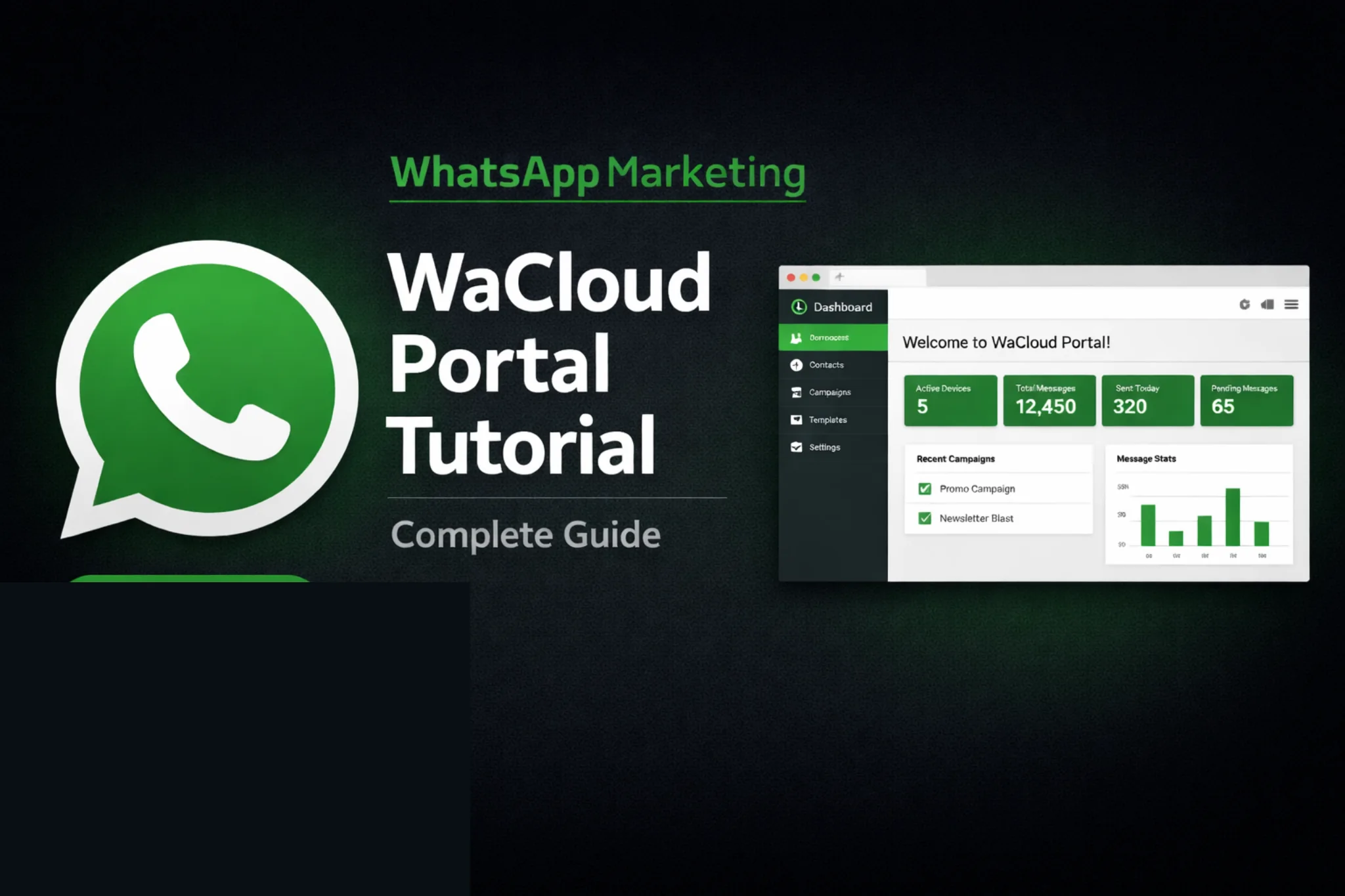 Current product walkthrough YouTube ↗
See the current WACloud portal before you choose a plan.
Clear portal pricing
Use the quick match below, then check the usage limits before you buy.
You pay WACloud for portal access. When you use the Business API connection, Meta separately bills delivered WhatsApp messages to your own business account at its published rates. WACloud adds no markup to Meta messaging fees.
Check Meta’s official pricing ↗Solo · 1 of 4Tap the arrows or swipe to compare
Plan comparison. Use the arrow buttons or swipe horizontally to see all four plans.
| Portal feature | Minimum matchSolo$9/ month | Minimum matchStarter$19/ month | Most popularMinimum matchProfessional$29/ month | Minimum matchEnterprise$199/ month |
|---|---|---|---|---|
| WhatsApp phone numbers | 1 | 5 | 12 | Unlimited |
| Business API connectionOfficial API · Meta Business Platform | Supported | Supported | Supported | Supported |
| QR Code connectionScan with WhatsApp | Supported | Supported | Supported | Supported |
| Portal-processed messages / monthNot prepaid Meta message credit | 60,000 | 150,000 | 500,000 | Unlimited |
| Contacts | 25,000 | 50,000 | 100,000 | Unlimited |
| API requests / month | 30,000 | 50,000 | 100,000 | Unlimited |
| Number checks | 3,000 | 10,000 | 25,000 | 500,000 |
| Campaigns & templates | Unlimited | Unlimited | Unlimited | Unlimited |
| Choose a plan | Start Solo | Start Starter | Start Professional | Contact sales |
Before you choose: Official API and QR Code are separate connection modes. Meta messaging charges apply when you use the Official API connection. Phone-number capacity gives a minimum plan match; also check the usage limits.
See full plan details ↗One-time billing
If your team wants a single upfront setup instead of monthly plans, review the WACloud Lifetime Deal before moving forward.
Practical guides
Simple tutorials and messaging guidance from the WACloud team.
View all guides ↗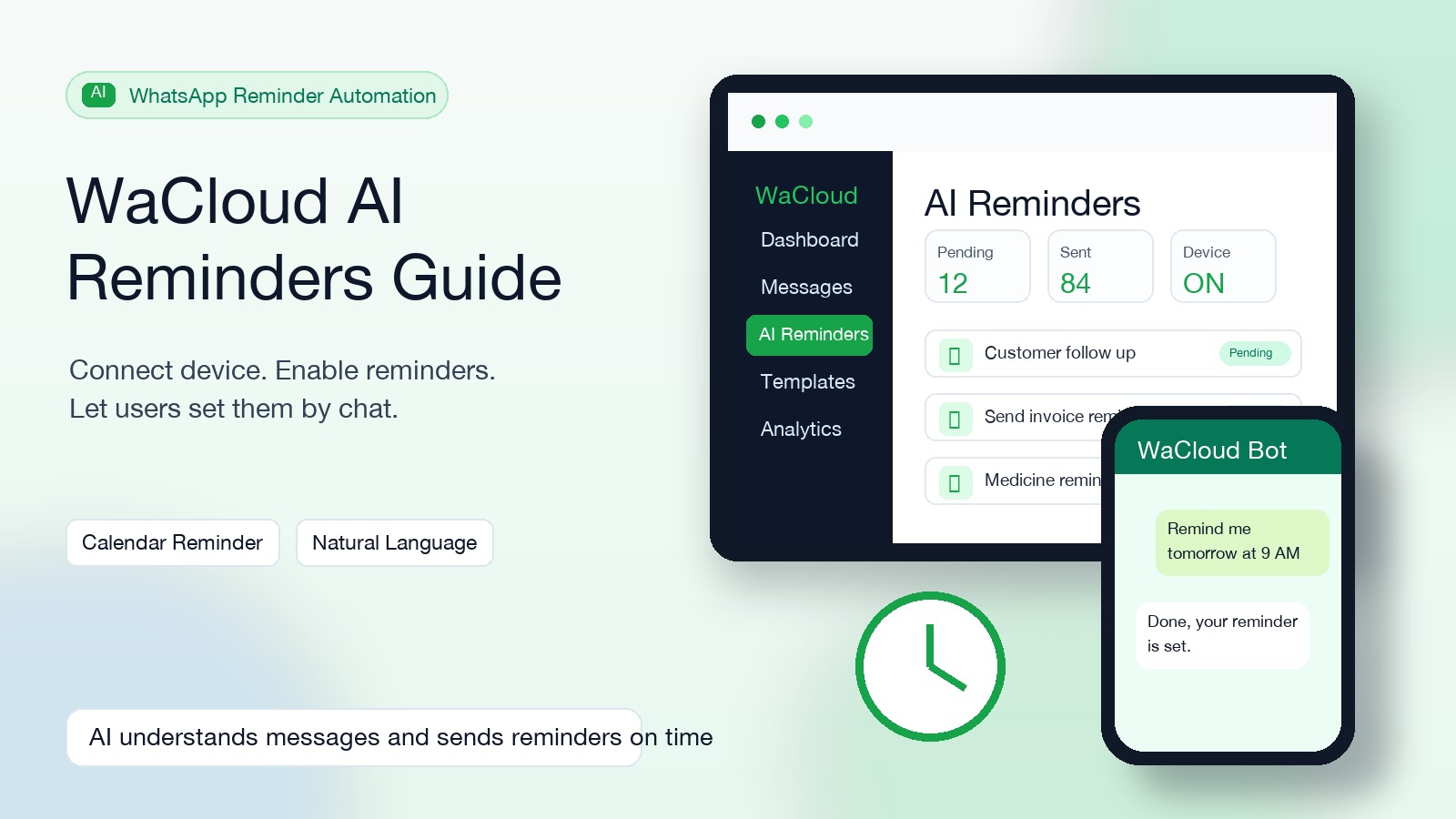
Device connect, settings enable, natural-language reminders এবং reminder filters—সবকিছু একটি practical Bangla tutorial-এ।
Read the guidePractical pacing, number warm-up, and relevance guidance for reducing spam signals.
Read articleA walkthrough of connecting a WhatsApp number and preparing a bulk-message campaign.
Read articleBefore you buy
Your WACloud plan pays for portal access and the software capacity shown in the pricing table.
When you use the Business API connection, Meta bills delivered-message charges to the payment method on your own WhatsApp Business Account, at Meta’s published rates.
Yes. Your business owns its WhatsApp assets and retains access to WhatsApp Manager after onboarding through Meta.